If your Keurig K-Mini Single Serve Coffee Maker isn’t brewing a full cup or is stopping prematurely, it can be frustrating. Often, this issue relates to mineral buildup, clogs, or water flow problems. Fortunately, many fixes are simple and safe to perform at home, helping restore your machine’s efficiency and ensure you get the perfect brew every time.

Get coffee and tea gear delivered free with Prime
- Fast, free delivery on millions of items
- Prime Video, Amazon Music and more included
- Member-only deals all year
In this guide, you’ll find detailed, step-by-step troubleshooting methods to identify and resolve common causes for incomplete brewing. Follow these instructions carefully to keep your Keurig functioning smoothly and enjoy your favorite beverages without interruption.
Key Takeaways
| Regular Cleaning | Descale and clean the machine to prevent mineral buildup. |
| Check Water Reservoir | Ensure the water reservoir is filled correctly and seated properly. |
| Inspect for Clogs | Clear any blockages in the needle or water flow pathways. |
| Use Proper Pods | Ensure K-Cups are compatible and correctly inserted. |
| Perform Maintenance | Use descaling kits regularly to maintain performance. |
Step 1: Check the Water Reservoir
- Ensure the water reservoir is filled with fresh water and properly seated on the machine.
- Remove and reattach it securely to prevent air gaps that hinder water flow.
Step 2: Clean the Needle and Water Pathways
- Use a paperclip or a Keurig needle cleaning tool to gently clear the entrance needle of any coffee grounds or debris.
- Run a rinse cycle without a K-Cup to flush out any blockages.
Step 3: Descale Your Keurig
Mineral deposits can restrict water flow, causing incomplete brews. Use a descaling solution or one of the recommended cleaning kits to descale your machine.
Step 4: Check the K-Cup and Brew Settings
- Ensure you’re using compatible K-Cup pods and inserting them correctly.
- Select the appropriate brew size (6-12oz) for your cup.
Step 5: Test and Adjust
After cleaning and descaling, run a test brew. If the issue persists, repeat cleaning or consider replacing the water filter cartridge if you have one installed.
The Products in This Guide

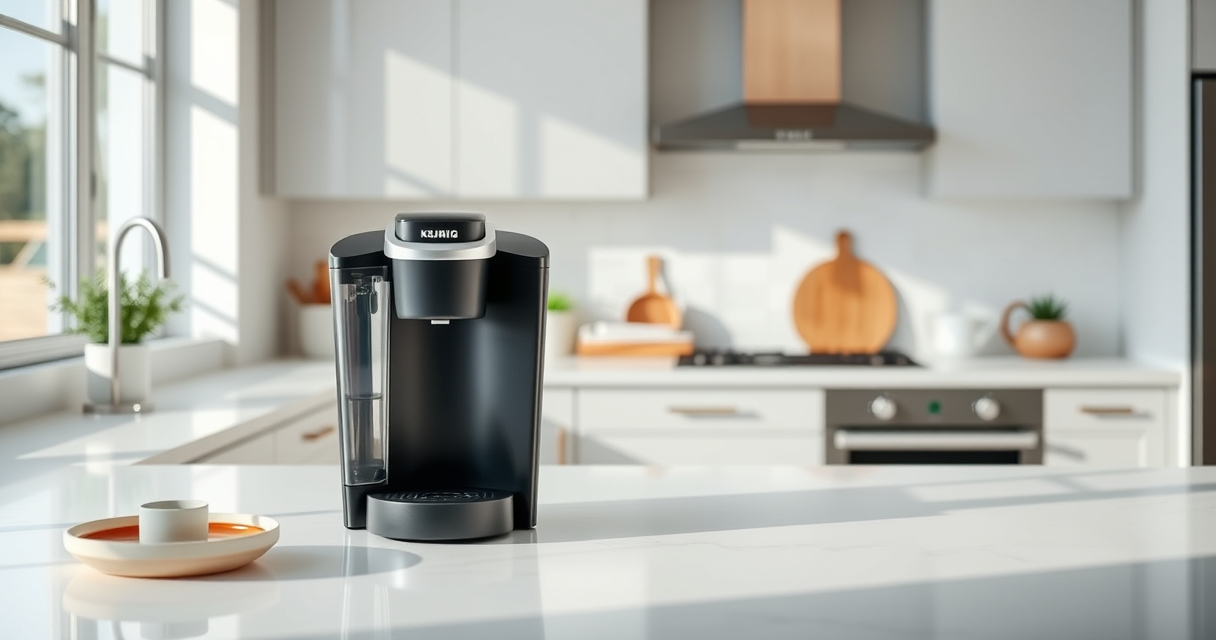
Keurig K-Mini Single Serve K-Cup Pod Coffee Maker
- ✔ Weight: 5 lbs
- ✔ Color: Matte Black
- ✔ Cord Storage: Yes

My K-Cup® Reusable Coffee Filter
- ✔ Size: Standard fit
- ✔ Weight: 2 oz
- ✔ Material: BPA-free
Keurig K-Mini Single Serve K-Cup Pod Coffee Maker
The Keurig K-Mini is a sleek, space-saving machine that offers quick and fresh brews with adjustable cup sizes. Proper maintenance ensures it continues to perform well.
Pros:
- Fits small spaces
- Brew size flexibility
- Removable drip tray
- Energy efficient
Cons:
- No water filter built-in
- Limited to 12oz max brew
- Requires regular descaling
Best for: Small spaces and quick coffee needs
Not ideal for: Users seeking advanced features or a larger water reservoir
Bottom line: A compact, dependable coffee maker ideal for small spaces.
My K-Cup® Reusable Coffee Filter
Using the My K-Cup® Reusable Coffee Filter allows you to brew your favorite ground coffee, and combined with regular descaling, it helps prevent issues like incomplete brewing.
Pros:
- Brew with ground coffee
- Easy to use
- Compatible with Keurig models
- Improves flavor
Cons:
- Requires separate purchase
- May need cleaning after use
- Not included in basic kits
Best for: Brewing ground coffee and maintaining machine health
Not ideal for: Users who prefer pre-packaged K-Cups only
Bottom line: A versatile reusable filter that enhances brewing options.
Frequently Asked Questions
Why does my Keurig stop brewing halfway?
This often happens due to mineral buildup, clogs in the needle, or a blocked water pathway. Regular descaling and cleaning usually resolve the issue.
How often should I descale my Keurig?
It’s recommended to descale every 3 to 6 months, depending on your water hardness and usage frequency.
Can I use ground coffee in my Keurig?
Yes, with a reusable filter like the My K-Cup®, you can brew ground coffee using your Keurig machine.
What should I do if my Keurig still doesn’t brew full cups after cleaning?
Check for clogs, ensure proper assembly, replace water filters, and consider professional servicing if problems persist.
Keep Your Keurig Brewing Perfectly
Maintaining your Keurig K-Mini by regular descaling, cleaning, and checking for blockages can prevent issues like incomplete brewing. Following these steps ensures your coffee maker stays in top condition, delivering delicious coffee every time.
Affiliate disclosure: As an Amazon Associate we earn from qualifying purchases. Prices and availability are accurate as of the time of publishing.
Halloween Picks
halloween
As an affiliate, we earn on qualifying purchases.